Babylon Assistant
Babylon Assistant helps users with onboarding and connects them to the focal aspects of primary care.


Role and contribution
To be able to give patients a holistic care experience, I have worked in a cross-functional team and led the design and research to explore patients needs and transform Babylon’s healthcare service into a care assistant across multiple touchpoints.
Contribution
Discovery Research, UX/ UI Design, Testing, Delivery
Team
Product Director, Tech Lead, Machine Learning Engineers, iOS & Android Developers
Timeline
Dec. 2019 - Oct. 2020
Outcome
- Improved user understanding of the service by 38%.
- Cut down the cost for call centre by implement the Q/A into Babylon assistant
Key features
-
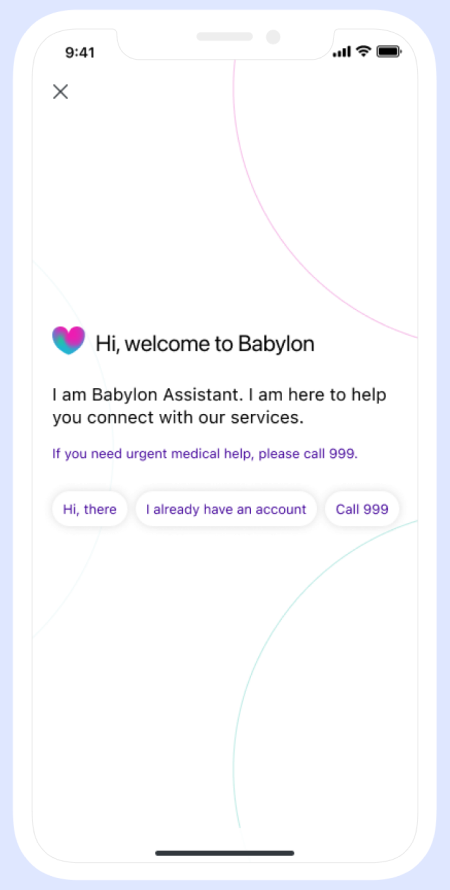
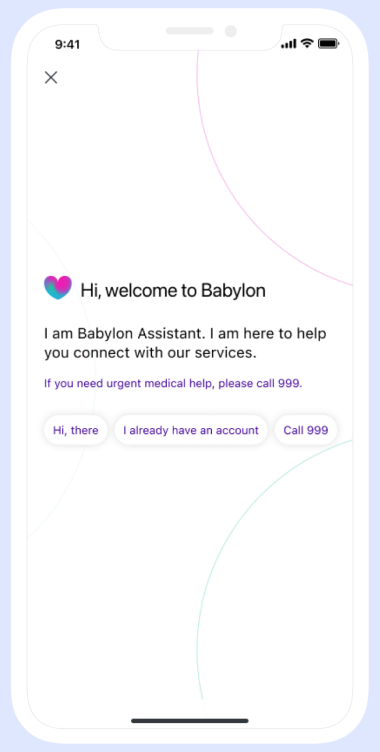
Greeting
Help users understand what the Babylon Assistant is and how it works.
-
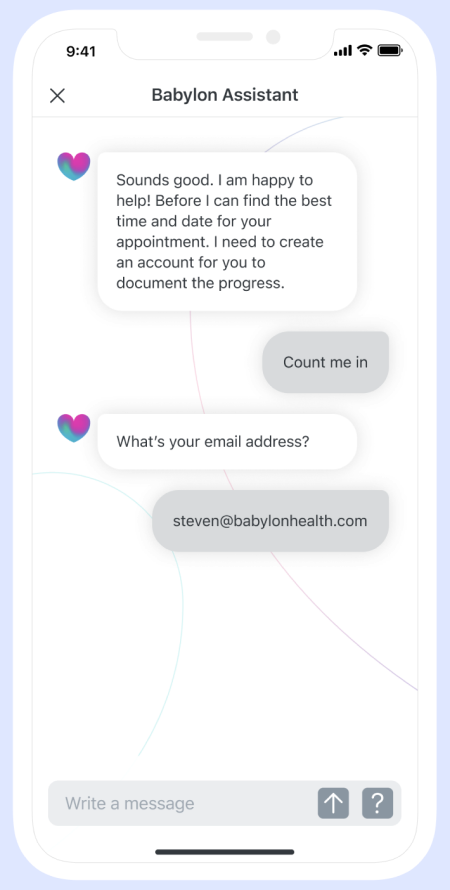
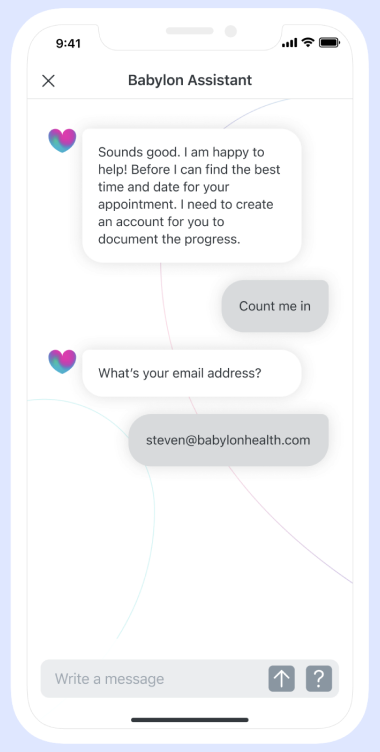
Service Introduction
Babylon Assistant details the services covered in the app and how they work.
-
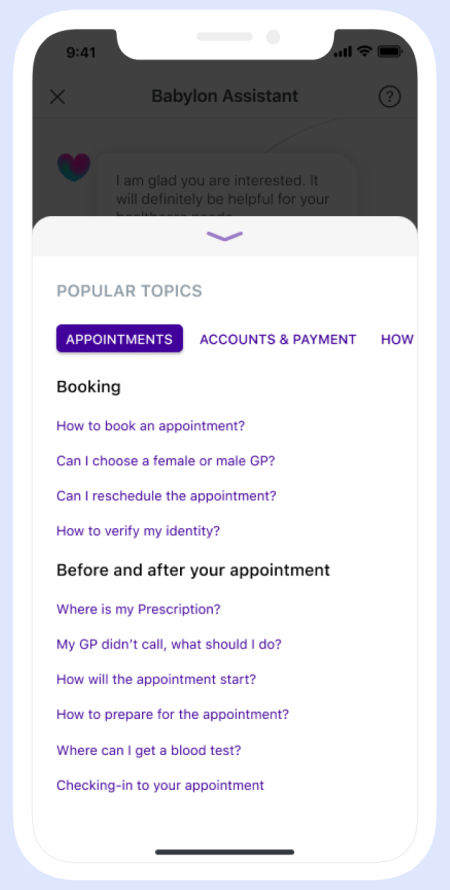
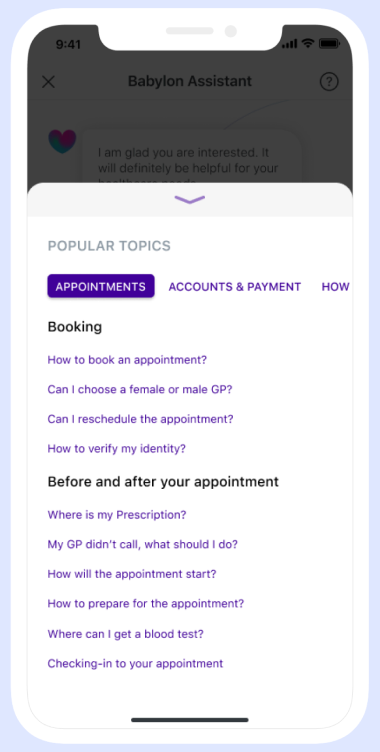
FAQ
Once users have a holistic understanding of Babylon’s service, they would be able to proceed with the service of their choosing.
-
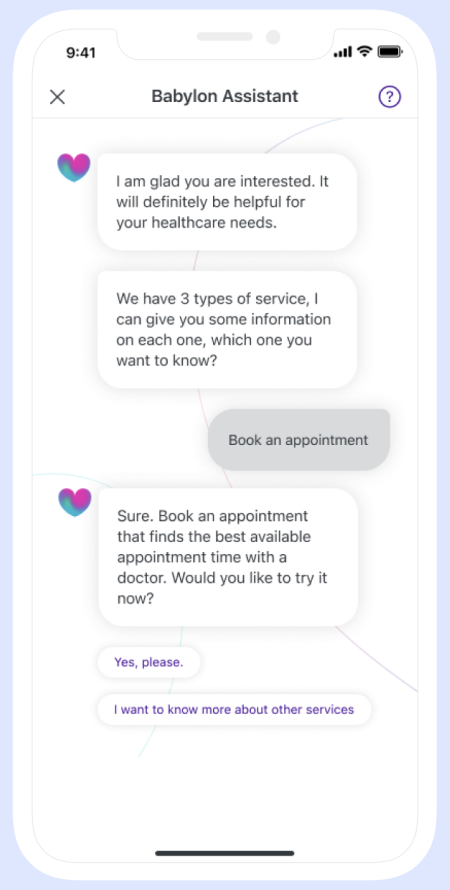
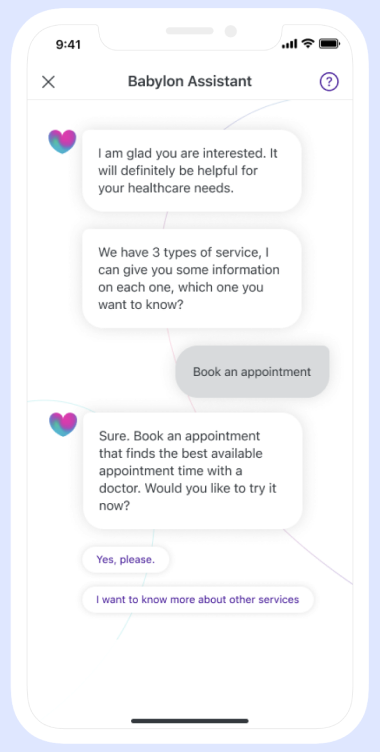
Service Navigation
Once users have a holistic understanding of Babylon’s service, they would be able to proceed with the service of their choosing.
-
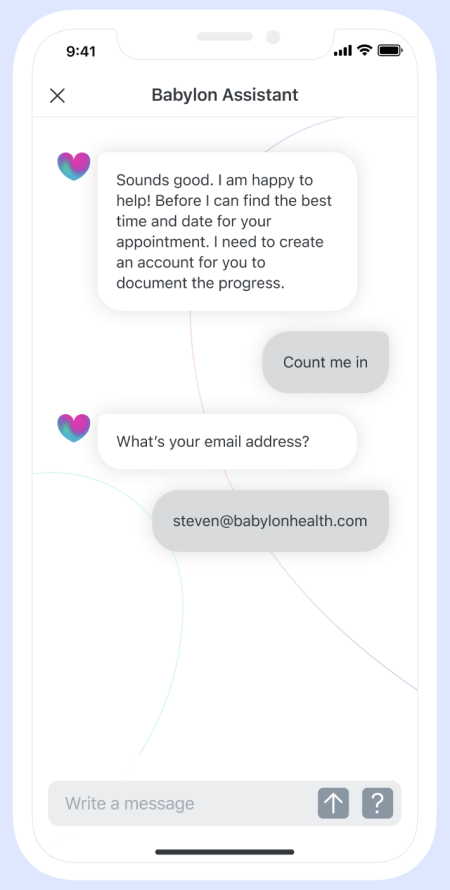
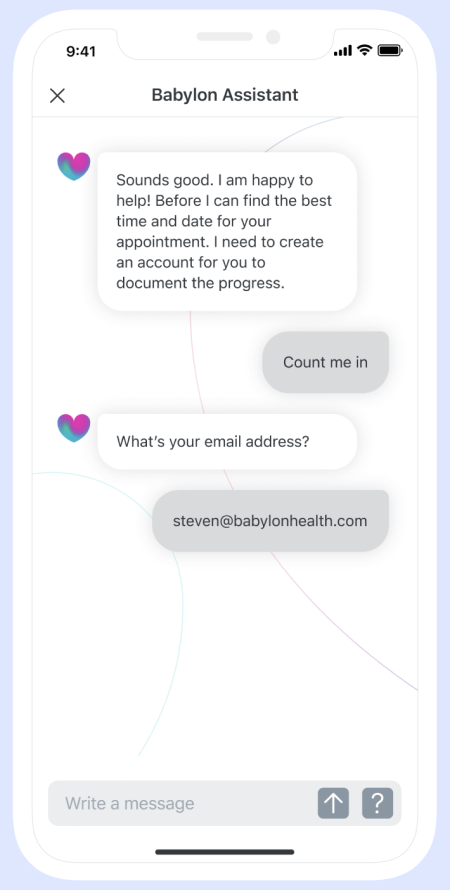
Registration
After the onboarding process, users can register for Babylon’s service through Babylon Assistant and create an account.
Background
Current trends in conversational interaction service:

Immediate connection to patients

24 / 7
availability

Saves time on customer service communication
Ethnographic research
As the UK-based Babylon was planning a United States expansion. We travelled to the US and conducted intensive research to understand the user demands and behaviour in US.
30
Phone interviews
15
In-depth interviews
15
Usability testing

Problem spaces
Throughout the research process, we have identified various problem spaces, what stood out to us was the onboarding process - as this is the key entry point to creating effective engagement, informing users about the benefits of the service.

30%
Lack of
overview
70%
Lack of
information
56%
Process is
mundane and flat
User Profiles
Based on the insights and pain points from user research, I’ve developed two types of user profiles.


Workshopping with customer support
Facilitated a co-creation workshop with the customer support team, to understand the most popular user queries, and how the team responded to users.

The tone of voice has to be comforting and caring

Recurring basic questions about the service

Learning from other services
Meanwhile, in order to understand the best way to create a healthcare chatbot, I conducted an analysis into several healthcare services that have integrated with chat interface. I’ve analysed 8 services and found below findings:

Avoid open questions that demand extensive answers.

Provide limited options to manage user expectations.


Key stages
Based on the problem spaces and research insights, five key stages was created to explore possible solutions
Greeting
How might we create a caring tone of voice to greet our users?
Service
Information
How might we help users to better understand the service?
Service
Navigation
How might we provide informational guidance for users to avoid ambiguous questions?
FAQs
How might we address recurring questions about the service?
Greeting
Service
Information
Service
Navigation
FAQs
Information architecture
High-level structures highlight user flows of the application and break down processes the users would use to achieve specific tasks.

Built a design system for AI assistant
Evolved design system and corresponding documentation with team members.


Solution
Babylon Assistant streamlined onboarding, explained the service, answered common questions and guided users to the right care, improving service understanding by 38%.
